
Best Streaming Stick for Airbnb and Hotel TVs

Disclosure: inventgo may earn a commission if you buy through links on this page, at no extra cost to you. Learn more.
On this page
Comparison table
| Roku Streaming Stick 4K ★ | Roku Streaming Stick (HD) | GL.iNet Slate 7 (GL-BE3600) | |
|---|---|---|---|
| What it is | 4K streaming stick | HD streaming stick | Wi-Fi 7 travel router |
| Max resolution | 4K (2160p at 60fps) | 1080p | n/a |
| HDR | Dolby Vision, HDR10/10+, HLG | No | n/a |
| Wi-Fi | 802.11ac dual-band MIMO + long-range receiver | Dual-band (2.4/5 GHz) | Wi-Fi 7, 2,882 Mbps (5GHz) + 688 Mbps (2.4GHz) |
| Power | USB, 5V/1A, power adaptor included | USB-C, 5V/1A, can run off the TV | USB-C PD (5V/3A, 9V/3A, 12V/2.5A) |
| Weight | 26 g | 26 g | 295 g |
| Remote | Voice remote with TV power, volume, mute | Voice remote with TV power, volume, mute | Touchscreen on device |
| Link | Check current price | Check current price | Check current price |
Specs are from the Roku and GL.iNet official product pages, checked 30 Oct 2026.
Airbnb and holiday-rental TVs vary a lot. Some are smart TVs with apps already signed in to the last guest's account, some have outdated apps, and some are plain screens with an HDMI port. Bringing your own streaming stick means your apps, your profiles and your watch history on any TV with HDMI, and you don't have to sign in to a stranger's device. The catch is Wi-Fi. Hotels, serviced apartments and some rentals use a captive portal, the login page that pops up in a browser, and many streaming devices can't get past it. Google, for example, says its Chromecast and Google TV Streamer devices don't support captive-portal networks. Our picks cover both sides: two sticks, and a travel router for when the Wi-Fi won't co-operate.
Roku Streaming Stick 4K: the best all-rounder
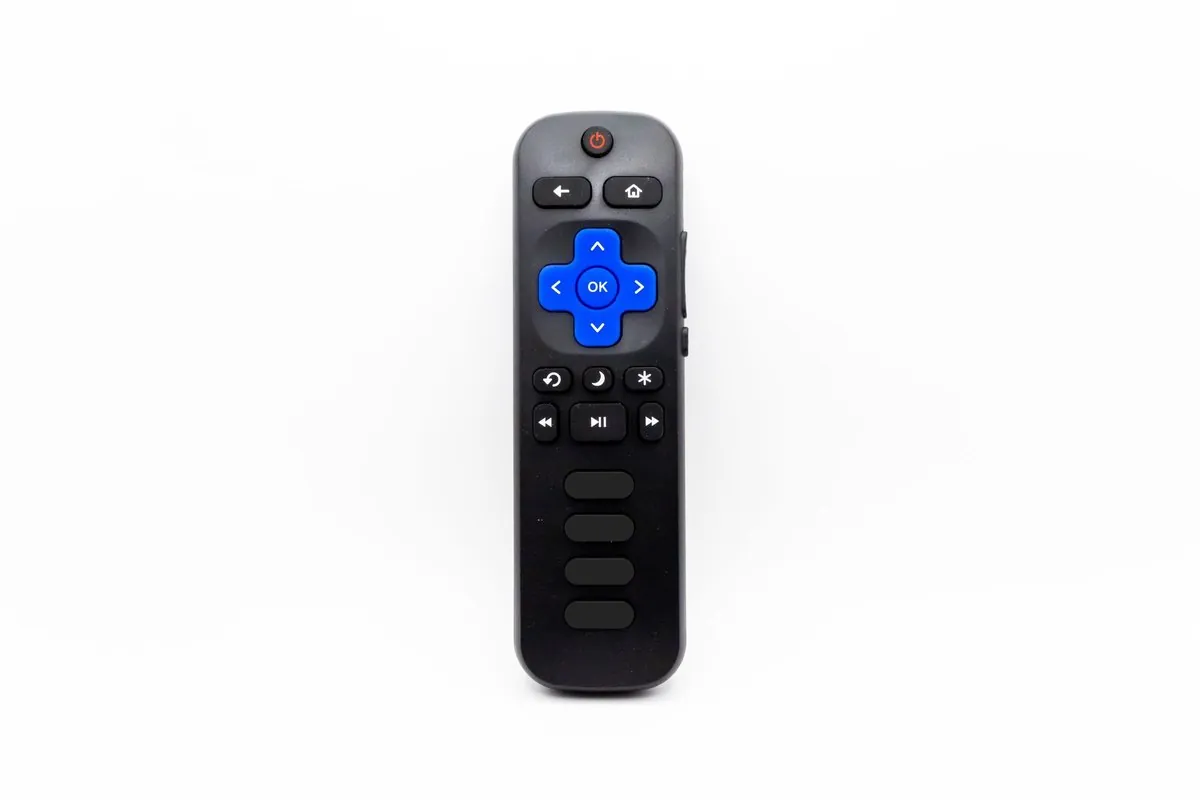
Roku Streaming Stick 4K
- 4K with Dolby Vision
- HDR10+ and HLG
- 802.11ac dual-band Wi-Fi with long-range receiver
Best for: Airbnb guests who want 4K streaming and the strongest Wi-Fi pick-up from a far-off router
Check priceThe Roku Streaming Stick 4K (model 3820R2) streams up to 4K at 60fps with Dolby Vision, HDR10/10+ and HLG on compatible TVs, and scales down to whatever the TV supports. For rentals, its most useful feature is the long-range Wi-Fi receiver built into the USB power cable, which Roku says helps you stream farther from the router. That's handy when the host's router is in another room.
The included voice remote has TV power, volume and mute buttons, which work with most TVs, so you may not need the rental's remote at all. Roku lists support for Apple AirPlay, so you can also cast from an iPhone. It weighs 26 g, and the box includes the stick, remote, two AAA batteries, the USB power cable with the Wi-Fi receiver and a power adaptor.
For hotels and other login-page networks, Roku offers Hotel & Dorm Connect. You pick the network on the TV, choose "I am at a hotel or college dorm", then finish the sign-in on your phone or laptop. Roku says you need to bring the device, power adapter and remote (the Roku mobile app remote won't work for this step), and that available channels can vary by country. Check Roku's support page before you travel.
What we like
- 4K, Dolby Vision and HDR10+ for good TVs
- Long-range Wi-Fi receiver for distant routers
- Hotel & Dorm Connect for login-page networks
What to consider
- Needs a separate power source, either a USB port or the included adaptor
- Roku's app line-up and availability vary by country
Who it's for: Airbnb and home-stay guests with a 4K TV at the other end, and anyone staying in rooms far from the router.
See the Roku Streaming Stick 4K
Roku Streaming Stick (HD): the most compact setup
Roku Streaming Stick (HD)
- Up to 1080p HD
- Dual-band Wi-Fi; USB-C power
- can be powered by the TV
Best for: Light packers who want a stick that can run off the TV's own power
Check priceThe Roku Streaming Stick (HD) (model 3840R) is Roku's entry-level stick, launched in 2025. It streams up to 1080p, uses dual-band Wi-Fi, and has a USB-C power port. Roku says it can be powered by the TV alone, plugging into the back with no wall socket needed, which makes setup in a rental quick and tidy.
It comes with the same style of voice remote with TV power, volume and mute buttons. It also has Bluetooth Headphone Mode, so you can pair wireless headphones directly and keep the volume down in a shared house or thin-walled apartment. Like the 4K model, it weighs 26 g.
What we like
- Can run off the TV's power, so there's less to pack
- Bluetooth Headphone Mode for late-night watching
- Same voice remote with TV controls
What to consider
- 1080p only, with no HDR
- No long-range Wi-Fi receiver
Who it's for: light packers and anyone staying in places with HD TVs who wants the simplest plug-in setup.
See the Roku Streaming Stick (HD)
GL.iNet Slate 7 (GL-BE3600): the Wi-Fi fix
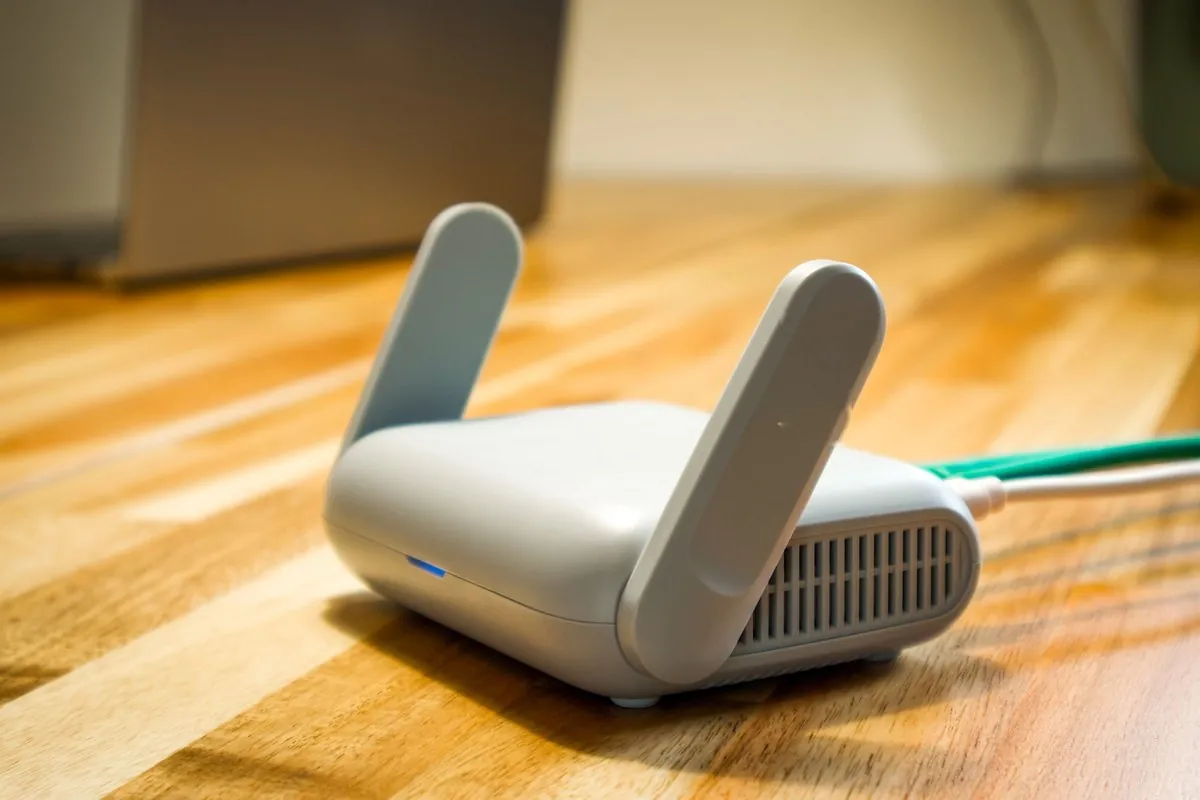
GL.iNet Slate 7 (GL-BE3600)
- Wi-Fi 7
- up to 2,882 Mbps (5GHz) + 688 Mbps (2.4GHz)
- Captive-portal handling and touchscreen
Best for: Stays where the Wi-Fi uses a login page or blocks streaming devices
Check priceThe GL.iNet Slate 7 (GL-BE3600) isn't a streaming stick. It's what makes a streaming stick work when the Wi-Fi won't. A travel router connects to the host's Wi-Fi or Ethernet port and creates your own private network. GL.iNet lists captive-portal handling for hotel-style login pages, so you sign in once through the router, and your stick, phone and laptop all join your network with the same password at every stay.
It's a Wi-Fi 7 router with speeds of up to 2,882 Mbps on 5GHz and 688 Mbps on 2.4GHz, dual 2.5G Ethernet ports, and a touchscreen that GL.iNet says can scan QR codes for quick Wi-Fi connections, toggle VPNs and show the connection mode (Ethernet, Tethering, Repeater or Cellular). Over 30 VPN services are built in. It runs on USB-C PD power (5V/3A, 9V/3A or 12V/2.5A), measures 130 x 91 x 34 mm and weighs 295 g.
What we like
- Captive-portal handling lets you sign in to login-page Wi-Fi once, at the router
- One private network for every device at every stay
- USB-C power and a touchscreen for quick setup
What to consider
- Heavier than a stick, and one more thing to set up
- Some login pages may still need you to sign in through the router once
Who it's for: anyone staying in hotels, serviced apartments or rentals with login-page or unreliable Wi-Fi. See our best travel router for Airbnb guide for more GL.iNet options.
How to choose a streaming setup for rentals

- Check the TV. You need a free HDMI port. If the TV is 4K, the Streaming Stick 4K makes the most of it. For HD TVs, the HD stick is enough.
- Check the Wi-Fi. If you'll be in hotels or apartments with login pages, choose a device with a captive-portal workaround (Roku Hotel & Dorm Connect) or bring a travel router.
- Power. The Roku Streaming Stick (HD) can run off the TV. The 4K stick needs a USB port or its adaptor, so pack a universal travel adapter if you'll be abroad.
- Region. Streaming apps and libraries vary by country, and Roku notes that channel content may be limited while travelling.
- Privacy. Using your own device means you don't sign in to your accounts on the host's TV. Just remember to pack the stick and remote when you check out.
When the host's Wi-Fi is slow, a phone hotspot makes a good backup. A travel eSIM keeps you online from the moment you land. Our best travel eSIM guide compares Saily, Yesim and Holafly. For longer stays, SafetyWing is one of the plans in our travel insurance guide. For movie nights on a bigger screen, see our portable projector for Airbnb guide.
Our verdict
For most Airbnb and home-stay travellers, the Roku Streaming Stick 4K is the one to pack: 4K with Dolby Vision, a long-range Wi-Fi receiver for distant routers, a voice remote that controls the TV, and Hotel & Dorm Connect for login-page networks. If you want the tidiest setup on an HD TV, choose the Roku Streaming Stick (HD), which can run off the TV's own power. And if your stays often come with login pages or patchy Wi-Fi, add the GL.iNet Slate 7 so every device joins your own network.
Check prices: Roku Streaming Stick 4K
FAQ
Can I use a streaming stick on hotel Wi-Fi?
Often, but not always. Hotel networks with login pages block many streaming devices. Roku's Hotel & Dorm Connect lets you finish the sign-in on your phone or laptop, and a travel router with captive-portal handling, such as the GL.iNet Slate 7, lets your devices join your own network instead, though some login pages may still need a one-time sign-in through the router.
Will my streaming apps work abroad?
Apps and libraries vary by country, and some may be limited or unavailable while you travel. Check your subscriptions' rules for the countries you're visiting.
Do I need to bring the power adapter?
For the Roku Streaming Stick 4K, yes, unless the TV has a suitable USB port. Roku says the Streaming Stick (HD) can be powered by the TV alone.
Does Google's TV Streamer work on hotel Wi-Fi?
Google says its Chromecast and Google TV Streamer devices don't support networks that need a captive-portal login. A travel router is the usual workaround.

 Travel Tech

